Wistia Remix review
Transforms raw video footage into polished, edited videos using AI-powered instructions.
WireTensors rating
Time saved: Saves approximately 4–6 hours per week on video post-production for teams producing 3+ videos weekly, by automating cutting, sequencing, and basic transitions..
Key facts
| Tool | Wistia Remix |
|---|---|
| Category | Video |
| Pricing | Pricing not publicly listed at time of review |
| Free tier | No |
| WireTensors rating | 3.9 / 5 |
| Best for | Content creators and marketing teams who produce large volumes of long-form video content and need to repurpose it into shorter, polished clips quickly. |
| Avoid if | You require granular control over editing style, transitions, and pacing, or need to work outside the Wistia platform. |
| Affiliate commission | Pending affiliate program review |
| Cookie window | N/A |
| Last verified | 2026-08-09 |
Overview
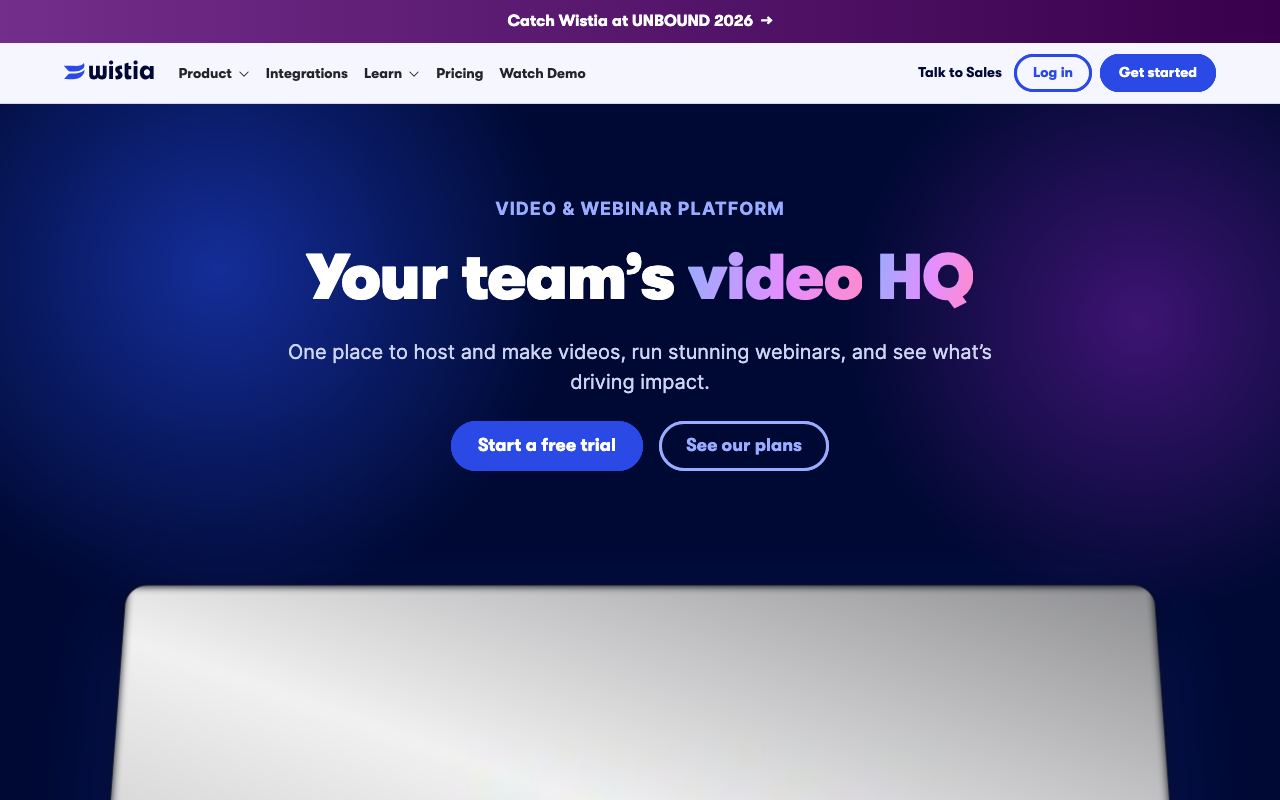
Wistia Remix is an AI-powered video editing tool launched by Wistia, the video hosting and analytics platform used by marketers and enterprises. It accepts various input formats—webinar recordings, podcasts, raw footage dumps—and produces finished, edited videos by interpreting user instructions written in plain text. The system identifies key moments, removes dead air, arranges clips, and applies transitions automatically, outputting a playable video without requiring manual timeline editing. The underlying technology is not specified in public announcements, though it likely combines video scene detection, speech-to-text analysis, and a generative model for sequencing. Wistia handles hosting and video analytics natively, so Remix integrates directly with a user's video library and metadata. Pricing has not been disclosed; the tool appears to launch as a premium feature within Wistia's paid tiers rather than as a standalone product, which means it is accessible only to existing subscribers. In the video editing category, Remix sits between fully manual tools like Adobe Premiere and end-to-end generative tools like Runway or Synthesia, offering convenience without requiring users to learn complex editing software. Its clearest limitation is the dependency on Wistia's platform—users not already using Wistia for hosting will find adoption friction—and the apparent lack of fine-grained control over editing decisions, which may disappoint creators with strong stylistic preferences.
Pros
- Accepts broad input formats including webinars, podcasts, raw recordings, and mixed footage
- Produces fully edited output with cuts, transitions, and pacing adjustments from plain-text instructions
- Integrates natively with Wistia's existing video hosting and analytics platform
Cons
- Pricing model not yet transparent; appears to be a premium add-on rather than standalone product
- Output quality and editorial style customisation appear limited based on available descriptions
- Requires users to already be embedded in Wistia's ecosystem for full value
Who it is for
- Best for: Content creators and marketing teams who produce large volumes of long-form video content and need to repurpose it into shorter, polished clips quickly..
- Avoid if: You require granular control over editing style, transitions, and pacing, or need to work outside the Wistia platform..
Who this is for
Marketing managers, video content producers, podcast hosts, and corporate communications teams who regularly record webinars, training sessions, or internal presentations and need to turn them into shareable clips. Event organisers and educational institutions publishing recorded content will find this especially useful for reducing manual post-production time.
Who should skip this
Professional video editors and production studios that depend on precise artistic control and colour grading. Organisations using non-Wistia video platforms should evaluate integration costs before committing.
Verdict
Wistia Remix addresses a real pain point for content teams drowning in post-production work, but its platform lock-in and opaque pricing mean it is most suited to teams already committed to Wistia. For standalone video editing with AI assistance, Runway remains the more flexible and established option.
User reviews
Real reader reviews — separate from WireTensors' own editorial rating above. Every submission is moderated before it appears here.
Loading reviews…
Write a review
Wistia Remix FAQ
What is Wistia Remix? +
Wistia Remix is an AI-powered video editing tool launched by Wistia, the video hosting and analytics platform used by marketers and enterprises. It accepts various input formats—webinar recordings, podcasts, raw footage dumps—and produces finished, edited videos by interpreting user instructions written in plain text. The system identifies key moments, removes dead air, arranges clips, and applies transitions automatically, outputting a playable video without requiring manual timeline editing. The underlying technology is not specified in public announcements, though it likely combines video scene detection, speech-to-text analysis, and a generative model for sequencing. Wistia handles hosting and video analytics natively, so Remix integrates directly with a user's video library and metadata. Pricing has not been disclosed; the tool appears to launch as a premium feature within Wistia's paid tiers rather than as a standalone product, which means it is accessible only to existing subscribers. In the video editing category, Remix sits between fully manual tools like Adobe Premiere and end-to-end generative tools like Runway or Synthesia, offering convenience without requiring users to learn complex editing software. Its clearest limitation is the dependency on Wistia's platform—users not already using Wistia for hosting will find adoption friction—and the apparent lack of fine-grained control over editing decisions, which may disappoint creators with strong stylistic preferences.
How much does Wistia Remix cost? +
Wistia Remix pricing: Pricing not publicly listed at time of review. Always confirm current pricing on the official site, as plans change.
Does Wistia Remix have a free tier? +
No. Wistia Remix does not offer an ongoing free plan, though a trial may be available.
What is Wistia Remix best for? +
Content creators and marketing teams who produce large volumes of long-form video content and need to repurpose it into shorter, polished clips quickly..
When should you avoid Wistia Remix? +
Avoid Wistia Remix if: You require granular control over editing style, transitions, and pacing, or need to work outside the Wistia platform..
What are the main pros of Wistia Remix? +
Accepts broad input formats including webinars, podcasts, raw recordings, and mixed footage; Produces fully edited output with cuts, transitions, and pacing adjustments from plain-text instructions; Integrates natively with Wistia's existing video hosting and analytics platform.
What are the main cons of Wistia Remix? +
Pricing model not yet transparent; appears to be a premium add-on rather than standalone product; Output quality and editorial style customisation appear limited based on available descriptions; Requires users to already be embedded in Wistia's ecosystem for full value.
Does Wistia Remix have an affiliate program? +
No public affiliate program is listed for Wistia Remix at the time of review.
How is Wistia Remix rated? +
WireTensors rates Wistia Remix 3.9 out of 5, based on capability, value, and fit for its intended use case.
What category does Wistia Remix fall under? +
Wistia Remix is categorised under video on WireTensors.
When was this Wistia Remix review last verified? +
This review was last verified on 2026-08-09 against the vendor's official site.
Reviewed by Arjun Mehta
Editorial lead overseeing WireTensors' research, sourcing and verification process
Last verified:
Sources
- Wistia Remix — official website — verified