Wispr Flow review
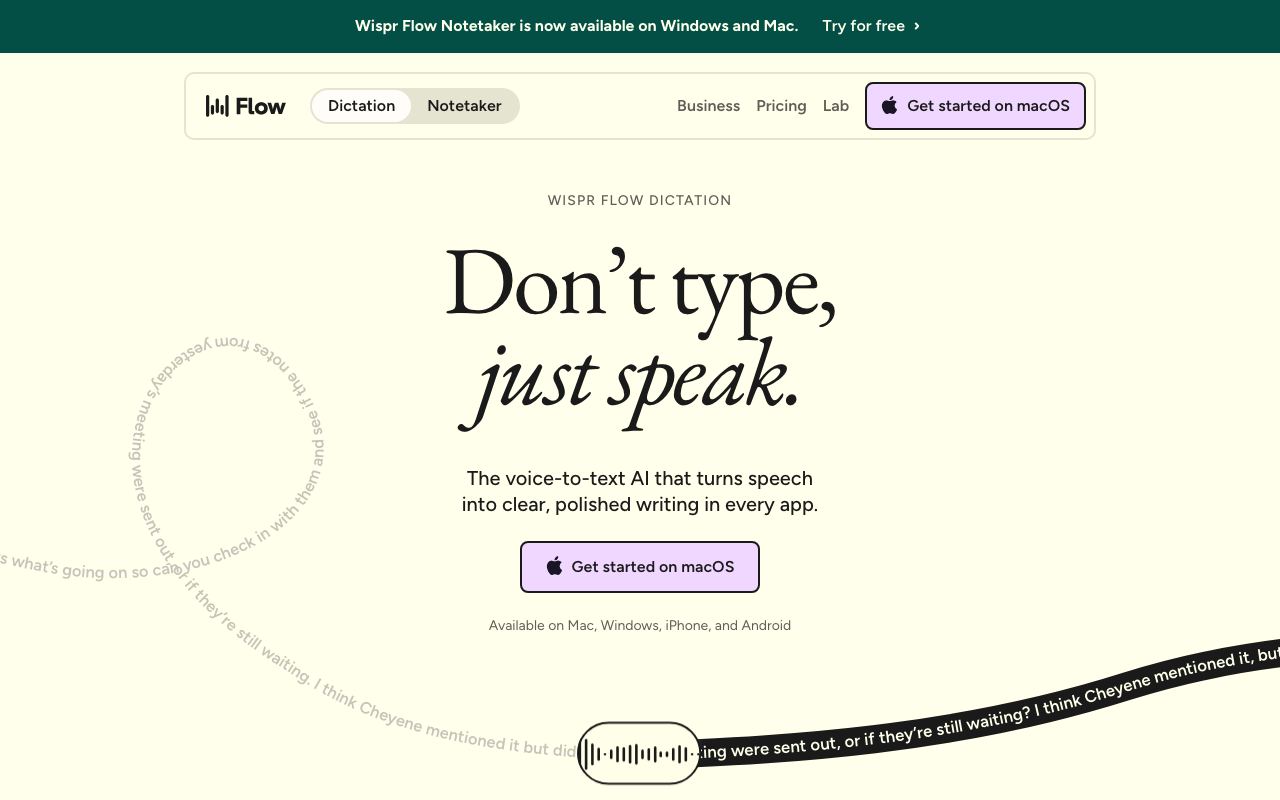
Voice dictation software that transcribes speech to text across applications in real time.
WireTensors rating
Time saved: Saves approximately 6–10 hours per week on manual typing and transcription tasks for heavy dictators; typical users report 3–4x faster capture of spoken thoughts versus keyboard input..
Key facts
| Tool | Wispr Flow |
|---|---|
| Category | Productivity |
| Pricing | Free tier available; premium plans start at $9.99/month |
| Free tier | Yes |
| WireTensors rating | 4.2 / 5 |
| Best for | Professionals who need hands-free note-taking, content creators drafting scripts, and users with accessibility needs. |
| Avoid if | You prioritise privacy and want to minimise microphone access system-wide, or you work in noisy environments where speech recognition accuracy is critical. |
| Affiliate commission | Pending affiliate program review |
| Cookie window | N/A |
| Last verified | 2026-08-26 |
Overview
Wispr Flow is a cross-platform dictation tool that converts speech to text in real time across virtually any application—web browsers, text editors, messaging apps, and productivity software. Unlike voice assistants that require command syntax or dedicated chat interfaces, Wispr Flow operates transparently: users speak and text appears directly in their active window as if typed. The underlying technology relies on cloud-based speech recognition APIs combined with local language models for privacy-conscious processing; the company has not disclosed its exact LLM backbone, but indicates hybrid on-device and cloud inference. Wispr Flow is built by a small US-based team focused on accessibility and productivity use cases. The tool operates on a freemium model: basic transcription is available free with ads, whilst premium tiers ($9.99–$19.99/month) remove ads, unlock language support, and enable priority processing. Key use cases include drafting long-form writing without hand strain, note-taking during meetings, composing messages whilst hands are occupied, and accessibility support for users with motor impairment. Compared to competitors like Google Docs voice typing (limited to Google products) or built-in OS dictation (often slower or less accurate), Wispr Flow differentiates through universal app support and claimed 4x faster transcription speed. Current limitations include inconsistent performance in noisy environments, lack of offline mode for privacy-sensitive workflows, and system-wide microphone permissions that may concern security-focused users. The tool does not offer advanced features like speaker identification, real-time translation, or integration with transcription databases, positioning it as a lightweight alternative to full-featured transcription suites.
Pros
- Works universally across all applications and websites without requiring app-specific integration
- Supports multiple languages and adapts to user accent and speech patterns over time
- Offers real-time transcription with low latency suitable for live note-taking and communication
Cons
- Accuracy can vary depending on background noise and audio quality
- Requires microphone permissions system-wide, raising privacy considerations for some users
- Limited offline functionality compared to some dedicated voice assistants
Who it is for
- Best for: Professionals who need hands-free note-taking, content creators drafting scripts, and users with accessibility needs..
- Avoid if: You prioritise privacy and want to minimise microphone access system-wide, or you work in noisy environments where speech recognition accuracy is critical..
Who this is for
This tool is designed for knowledge workers, content creators, journalists, researchers, and accessibility advocates. Specifically suited to roles involving dictation-heavy workflows—transcriptionists, authors, medical professionals documenting notes, and customer service representatives handling calls. Anyone seeking to reduce repetitive typing and increase hands-free productivity will find value here.
Who should skip this
Users who work exclusively offline or in highly regulated environments requiring audio containment should reconsider. Organisations with strict privacy policies limiting microphone access will find this tool problematic. Those who prioritise typing as their primary input method or who work in real-time collaborative environments where voice may disrupt others should look elsewhere.
Verdict
Wispr Flow is a pragmatic voice-to-text tool that solves a genuine friction point for fast dictation across any application. Its cross-platform ubiquity and free tier make it accessible; however, accuracy in noisy environments and privacy implications of system-wide microphone access may limit adoption in regulated sectors. Best suited to remote workers, authors, and accessibility users seeking a low-friction dictation layer.
User reviews
Real reader reviews — separate from WireTensors' own editorial rating above. Every submission is moderated before it appears here.
Loading reviews…
Write a review
Wispr Flow FAQ
What is Wispr Flow? +
Wispr Flow is a cross-platform dictation tool that converts speech to text in real time across virtually any application—web browsers, text editors, messaging apps, and productivity software. Unlike voice assistants that require command syntax or dedicated chat interfaces, Wispr Flow operates transparently: users speak and text appears directly in their active window as if typed. The underlying technology relies on cloud-based speech recognition APIs combined with local language models for privacy-conscious processing; the company has not disclosed its exact LLM backbone, but indicates hybrid on-device and cloud inference. Wispr Flow is built by a small US-based team focused on accessibility and productivity use cases. The tool operates on a freemium model: basic transcription is available free with ads, whilst premium tiers ($9.99–$19.99/month) remove ads, unlock language support, and enable priority processing. Key use cases include drafting long-form writing without hand strain, note-taking during meetings, composing messages whilst hands are occupied, and accessibility support for users with motor impairment. Compared to competitors like Google Docs voice typing (limited to Google products) or built-in OS dictation (often slower or less accurate), Wispr Flow differentiates through universal app support and claimed 4x faster transcription speed. Current limitations include inconsistent performance in noisy environments, lack of offline mode for privacy-sensitive workflows, and system-wide microphone permissions that may concern security-focused users. The tool does not offer advanced features like speaker identification, real-time translation, or integration with transcription databases, positioning it as a lightweight alternative to full-featured transcription suites.
How much does Wispr Flow cost? +
Wispr Flow pricing: Free tier available; premium plans start at $9.99/month. Always confirm current pricing on the official site, as plans change.
Does Wispr Flow have a free tier? +
Yes. Wispr Flow offers a free plan or free credits you can use to evaluate it.
What is Wispr Flow best for? +
Professionals who need hands-free note-taking, content creators drafting scripts, and users with accessibility needs..
When should you avoid Wispr Flow? +
Avoid Wispr Flow if: You prioritise privacy and want to minimise microphone access system-wide, or you work in noisy environments where speech recognition accuracy is critical..
What are the main pros of Wispr Flow? +
Works universally across all applications and websites without requiring app-specific integration; Supports multiple languages and adapts to user accent and speech patterns over time; Offers real-time transcription with low latency suitable for live note-taking and communication.
What are the main cons of Wispr Flow? +
Accuracy can vary depending on background noise and audio quality; Requires microphone permissions system-wide, raising privacy considerations for some users; Limited offline functionality compared to some dedicated voice assistants.
Does Wispr Flow have an affiliate program? +
No public affiliate program is listed for Wispr Flow at the time of review.
How is Wispr Flow rated? +
WireTensors rates Wispr Flow 4.2 out of 5, based on capability, value, and fit for its intended use case.
What category does Wispr Flow fall under? +
Wispr Flow is categorised under productivity on WireTensors.
When was this Wispr Flow review last verified? +
This review was last verified on 2026-08-26 against the vendor's official site.
Reviewed by Arjun Mehta
Editorial lead overseeing WireTensors' research, sourcing and verification process
Last verified:
Sources
- Wispr Flow — official website — verified