Image3D AI review
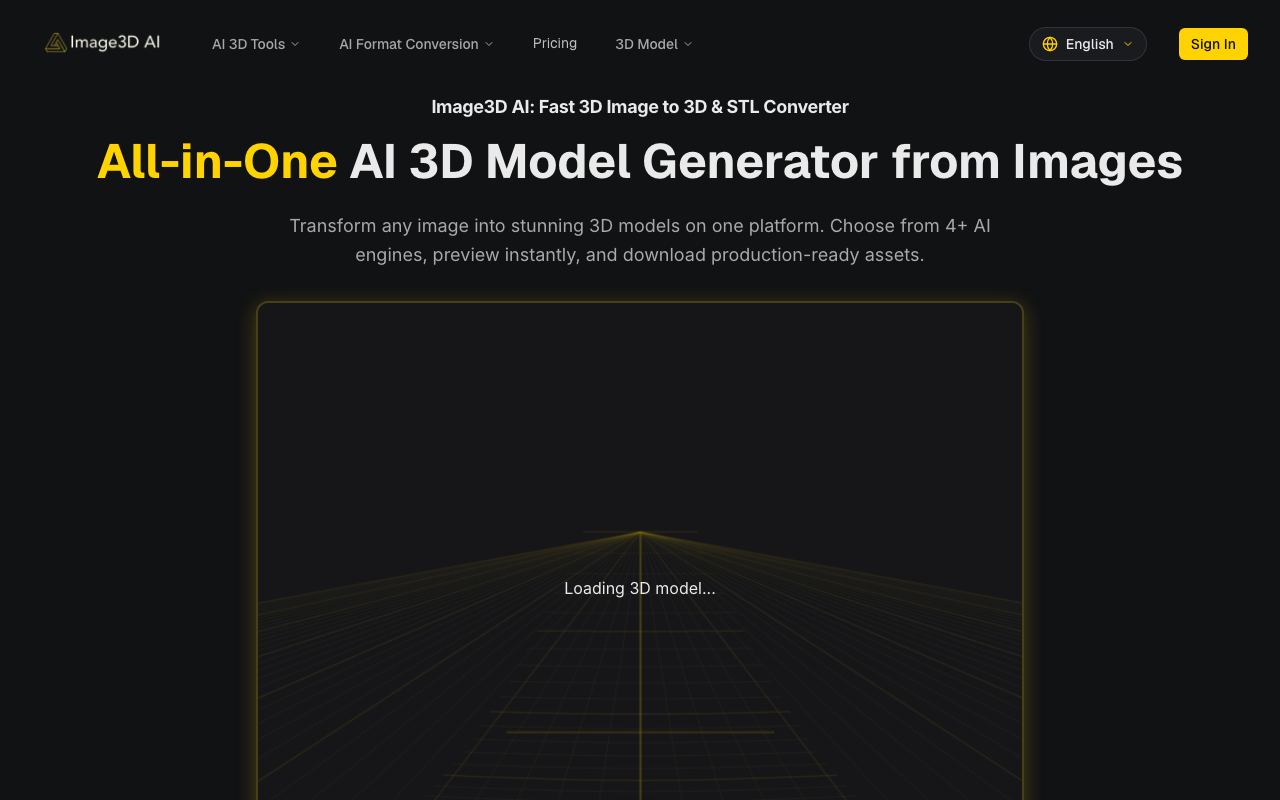
A web-based interface for converting 2D images into 3D models using AI.
WireTensors rating
Time saved: Saves approximately 4–8 hours per asset compared to manual 3D sculpting or multi-view photogrammetry workflows, depending on model complexity and desired detail level..
Key facts
| Tool | Image3D AI |
|---|---|
| Category | Image |
| Pricing | Pricing not publicly listed at time of review |
| Free tier | Yes |
| WireTensors rating | 3.1 / 5 |
| Best for | Product designers, 3D artists, and AR developers who need rapid 3D asset generation from photographs without manual sculpting or photogrammetry expertise. |
| Avoid if | You require production-grade photogrammetry accuracy or need precise dimensional control for engineering or manufacturing applications. |
| Affiliate commission | Pending affiliate program review |
| Cookie window | N/A |
| Last verified | 2026-09-02 |
Overview
Image3D AI is a web-based tool that converts 2D photographic images into 3D models using AI image-to-3D technology. Users upload one or more photographs of an object, scene, or space, and the platform automatically generates a 3D mesh and textures. The underlying technology likely employs neural radiance fields (NeRFs) or similar implicit 3D representation learning, possibly combined with diffusion models or other generative approaches to infer 3D geometry and appearance from 2D image data. The tool operates in a browser, requiring no local software installation. Image3D AI appeared as a Show HN submission in September 2026, with minimal disclosed information. The free tier and web-first design suggest a freemium business model targeting individual creators and small teams. No official pricing tiers, computational limits, or processing-time SLAs have been published. Comparable commercial tools include Blockade Labs (skybox generation), Luma Labs (3D capture from images), and Polycam (photogrammetry), plus research-stage tools leveraging NeRF or Gaussian Splatting. Image3D AI's primary differentiation appears to be ease of access (browser-based, minimal setup) rather than superior output quality, which is typical for early-stage generative tools. Limitations are substantial. The visual quality of generated models—particularly fine detail, material properties, and geometric accuracy—remains unvalidated by independent testing. No published benchmarks compare output quality to photogrammetry or other 3D capture methods. The tool likely struggles with occlusions (hidden parts of objects), transparent or reflective materials, and scenes with complex lighting. Upload limits, supported image formats, and whether the system accepts multi-view sequences or requires single images are undocumented. Export formats and compatibility with popular 3D software (Blender, Unity, Unreal) are not stated. Processing time and computational cost per upload are unknown, raising concerns about scalability for bulk asset production. For rapid prototyping and early-stage creative work, Image3D AI offers genuine convenience. Product teams might use it to quickly visualise merchandise in 3D from marketing photos; game developers might iterate on environment concepts; AR developers might bootstrap assets. However, the tool is best treated as an exploratory / iterative step rather than a final asset production pipeline. Users should expect to post-process outputs in a full 3D editor and should test results on representative images before committing to large workflows. The technology is advancing rapidly (image-to-3D is an active research area), so the tool may improve significantly in coming months, but maturity and validation are currently lacking.
Pros
- Accessible web interface requires no software installation or 3D modelling expertise, lowering the barrier for non-technical users
- Automates labour-intensive manual 3D reconstruction, potentially saving hours of work for product designers, architects, and digital artists
- Output models can be exported and integrated into 3D engines, game engines, or AR applications for immediate downstream use
Cons
- Quality, accuracy, and realism of generated 3D models from single or multi-view images not independently documented; visual examples appear variable
- Computational cost and processing time unclear; no published information about upload limits, file formats, or real-time versus batch processing
- Early-stage tool with minimal documentation; no details on model training data, supported image resolutions, or limitations with occluded or complex geometries
Who it is for
- Best for: Product designers, 3D artists, and AR developers who need rapid 3D asset generation from photographs without manual sculpting or photogrammetry expertise..
- Avoid if: You require production-grade photogrammetry accuracy or need precise dimensional control for engineering or manufacturing applications..
Who this is for
Product designers and e-commerce teams needing quick 3D assets from product photographs, digital artists prototyping environment or character concepts from reference images, AR/VR developers building interactive experiences, game developers seeking rapid asset generation, and architects visualising spaces from photographs. Also appeals to museums and cultural heritage organisations documenting artefacts in 3D.
Who should skip this
Professional photogrammetrists and engineers should avoid; this tool trades accuracy for speed and ease-of-use, unsuitable for dimensional precision requirements. Those working with extremely complex, highly occluded scenes or requiring sub-millimetre accuracy should continue using traditional photogrammetry software (Agisoft Metashape, RealityCapture). Anyone needing guaranteed output consistency or SLA-backed service levels should wait for more mature versions.
Verdict
Image3D AI automates the labour-intensive process of converting photographs into 3D models, making 3D asset creation more accessible to non-experts. The web-first interface and ease of use are genuine strengths for rapid prototyping. However, output quality is unvalidated, feature documentation is sparse, and the tool is clearly in early stages. It is best suited to creative professionals willing to iterate and refine outputs, not production pipelines requiring dimensional precision or consistency.
User reviews
Real reader reviews — separate from WireTensors' own editorial rating above. Every submission is moderated before it appears here.
Loading reviews…
Write a review
Image3D AI FAQ
What is Image3D AI? +
Image3D AI is a web-based tool that converts 2D photographic images into 3D models using AI image-to-3D technology. Users upload one or more photographs of an object, scene, or space, and the platform automatically generates a 3D mesh and textures. The underlying technology likely employs neural radiance fields (NeRFs) or similar implicit 3D representation learning, possibly combined with diffusion models or other generative approaches to infer 3D geometry and appearance from 2D image data. The tool operates in a browser, requiring no local software installation. Image3D AI appeared as a Show HN submission in September 2026, with minimal disclosed information. The free tier and web-first design suggest a freemium business model targeting individual creators and small teams. No official pricing tiers, computational limits, or processing-time SLAs have been published. Comparable commercial tools include Blockade Labs (skybox generation), Luma Labs (3D capture from images), and Polycam (photogrammetry), plus research-stage tools leveraging NeRF or Gaussian Splatting. Image3D AI's primary differentiation appears to be ease of access (browser-based, minimal setup) rather than superior output quality, which is typical for early-stage generative tools. Limitations are substantial. The visual quality of generated models—particularly fine detail, material properties, and geometric accuracy—remains unvalidated by independent testing. No published benchmarks compare output quality to photogrammetry or other 3D capture methods. The tool likely struggles with occlusions (hidden parts of objects), transparent or reflective materials, and scenes with complex lighting. Upload limits, supported image formats, and whether the system accepts multi-view sequences or requires single images are undocumented. Export formats and compatibility with popular 3D software (Blender, Unity, Unreal) are not stated. Processing time and computational cost per upload are unknown, raising concerns about scalability for bulk asset production. For rapid prototyping and early-stage creative work, Image3D AI offers genuine convenience. Product teams might use it to quickly visualise merchandise in 3D from marketing photos; game developers might iterate on environment concepts; AR developers might bootstrap assets. However, the tool is best treated as an exploratory / iterative step rather than a final asset production pipeline. Users should expect to post-process outputs in a full 3D editor and should test results on representative images before committing to large workflows. The technology is advancing rapidly (image-to-3D is an active research area), so the tool may improve significantly in coming months, but maturity and validation are currently lacking.
How much does Image3D AI cost? +
Image3D AI pricing: Pricing not publicly listed at time of review. Always confirm current pricing on the official site, as plans change.
Does Image3D AI have a free tier? +
Yes. Image3D AI offers a free plan or free credits you can use to evaluate it.
What is Image3D AI best for? +
Product designers, 3D artists, and AR developers who need rapid 3D asset generation from photographs without manual sculpting or photogrammetry expertise..
When should you avoid Image3D AI? +
Avoid Image3D AI if: You require production-grade photogrammetry accuracy or need precise dimensional control for engineering or manufacturing applications..
What are the main pros of Image3D AI? +
Accessible web interface requires no software installation or 3D modelling expertise, lowering the barrier for non-technical users; Automates labour-intensive manual 3D reconstruction, potentially saving hours of work for product designers, architects, and digital artists; Output models can be exported and integrated into 3D engines, game engines, or AR applications for immediate downstream use.
What are the main cons of Image3D AI? +
Quality, accuracy, and realism of generated 3D models from single or multi-view images not independently documented; visual examples appear variable; Computational cost and processing time unclear; no published information about upload limits, file formats, or real-time versus batch processing; Early-stage tool with minimal documentation; no details on model training data, supported image resolutions, or limitations with occluded or complex geometries.
Does Image3D AI have an affiliate program? +
No public affiliate program is listed for Image3D AI at the time of review.
How is Image3D AI rated? +
WireTensors rates Image3D AI 3.1 out of 5, based on capability, value, and fit for its intended use case.
What category does Image3D AI fall under? +
Image3D AI is categorised under image on WireTensors.
When was this Image3D AI review last verified? +
This review was last verified on 2026-09-02 against the vendor's official site.
Reviewed by Arjun Mehta
Editorial lead overseeing WireTensors' research, sourcing and verification process
Last verified:
Sources
- Image3D AI — official website — verified