Edify review
Windows-native non-linear editor with integrated local AI subtitling and dubbing.
WireTensors rating
Time saved: Saves approximately 2–3 hours per hour of video on subtitle generation and basic dubbing tasks compared to manual timecoding and external dubbing services..
Key facts
| Tool | Edify |
|---|---|
| Category | Video |
| Pricing | Pricing not publicly listed at time of review |
| Free tier | No |
| WireTensors rating | 3.8 / 5 |
| Best for | Creators and small studios needing quick AI-assisted subtitles and dubbing without cloud dependency. |
| Avoid if | You require cross-platform support (macOS, Linux) or extensive third-party plugin ecosystems like Premiere Pro or Final Cut Pro offer. |
| Affiliate commission | Pending affiliate program review |
| Cookie window | N/A |
| Last verified | 2026-09-01 |
Overview
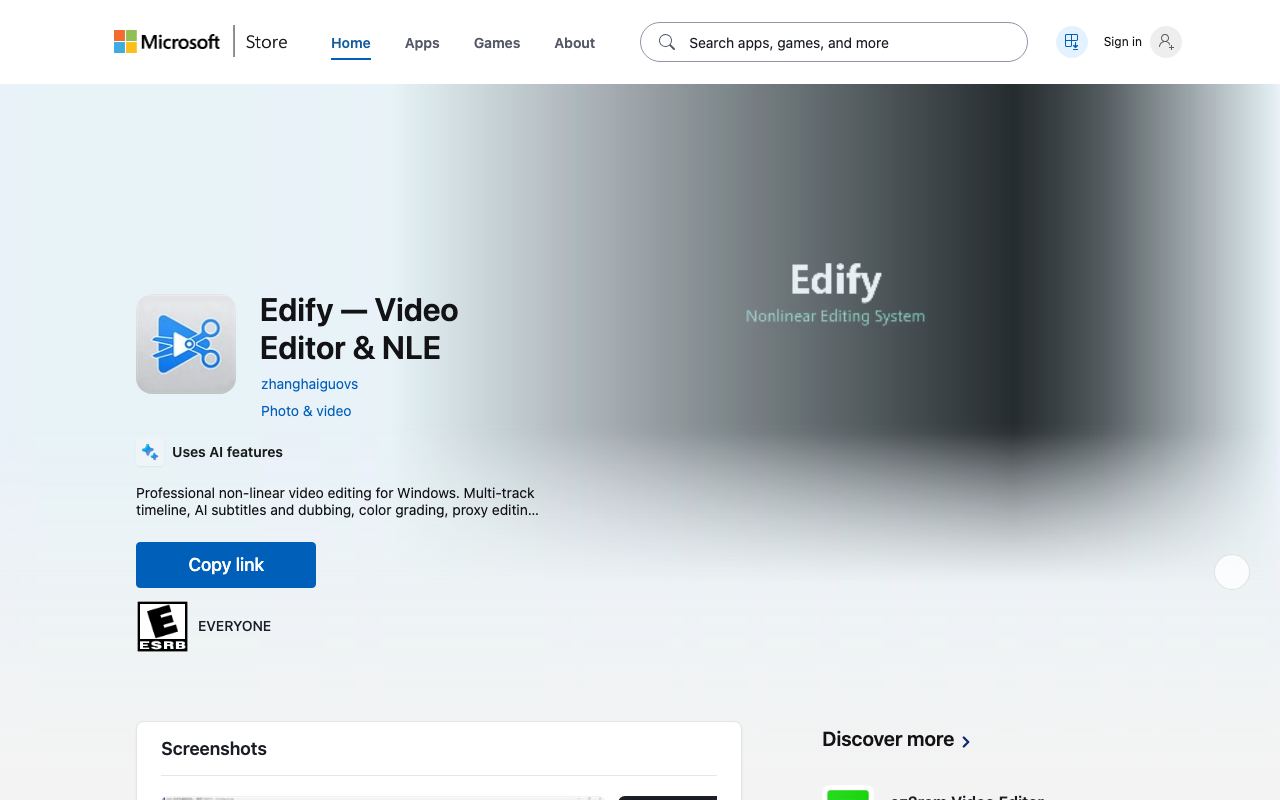
Edify is a non-linear video editor for Windows that emphasises local AI-powered subtitle and dubbing generation without reliance on cloud infrastructure. The tool runs subtitle inference and voice generation directly on the user's GPU, reducing round-trip latency and maintaining audio/video data on the local machine. It supports OpenFX plugins, allowing integration with custom effects and third-party filters within the timeline. Edify is distributed via the Microsoft Store, suggesting standardised Windows package management and potential integration with Windows-native media frameworks. The product targets creators who want AI-assisted post-production tasks without uploading media to external servers. Unlike browser-based editors or cloud-dependent tools, Edify processes video locally, trading off cloud scalability for privacy and offline capability. Dubbing and subtitle generation are the headline features, likely powered by open-source or licensed speech-to-text and text-to-speech models running in inference mode on compatible NVIDIA or AMD GPUs. Limitations include early-stage maturity: the product has minimal public documentation, no visible user reviews on established platforms, and unclear feature coverage for professional workflows such as advanced colour grading, multicam editing, or VFX compositing. Performance depends entirely on local GPU capability, which may not scale for 4K/8K workflows on consumer hardware. Cross-platform support is absent; macOS and Linux users cannot access it. Edify occupies a niche between quick-and-dirty AI subtitle tools (like Kapwing or CapCut) and professional suites (DaVinci Resolve, Premiere Pro). It appeals specifically to creators willing to trade some feature breadth for local processing and a focus on AI-assisted subtitling rather than comprehensive editing.
Pros
- Runs subtitle and dubbing generation locally without cloud dependency, reducing latency and privacy concerns
- Integrates OpenFX plugin ecosystem for extensibility and custom effects workflows
- Native Windows application optimised for desktop performance without web browser overhead
Cons
- New product with limited user base and community resources compared to established NLEs
- Unclear feature parity with professional editors like DaVinci Resolve or Premiere Pro
- Local AI processing may require significant GPU resources depending on video resolution and codec
Who it is for
- Best for: Creators and small studios needing quick AI-assisted subtitles and dubbing without cloud dependency..
- Avoid if: You require cross-platform support (macOS, Linux) or extensive third-party plugin ecosystems like Premiere Pro or Final Cut Pro offer..
Who this is for
Windows-based video editors, YouTube creators producing multilingual content, podcast producers adding subtitles, and independent filmmakers looking to reduce post-production time without monthly SaaS fees. Small production houses managing in-house workflows where data privacy is a concern will find local processing valuable.
Who should skip this
Mac and Linux users cannot run this application. Teams already invested in cloud-based collaborative editing (Premiere, Frame.io) will face friction switching to a Windows-only desktop tool. Professionals requiring advanced colour grading, motion graphics, or extensive multi-camera management should evaluate whether the AI subtitling gain justifies losing their existing workflow.
Verdict
Edify offers genuine local AI video processing and a Windows desktop-first design that differentiates it from cloud-dependent alternatives, but its newness and unclear feature depth make it best suited to Windows creators specifically seeking privacy-preserving subtitle and dubbing assistance. Mainstream video professionals should wait for evidence of broader capability or longer user testimonials before migrating workflows. Worth a trial for Windows-only teams prioritising data control over comprehensive feature parity.
User reviews
Real reader reviews — separate from WireTensors' own editorial rating above. Every submission is moderated before it appears here.
Loading reviews…
Write a review
Edify FAQ
What is Edify? +
Edify is a non-linear video editor for Windows that emphasises local AI-powered subtitle and dubbing generation without reliance on cloud infrastructure. The tool runs subtitle inference and voice generation directly on the user's GPU, reducing round-trip latency and maintaining audio/video data on the local machine. It supports OpenFX plugins, allowing integration with custom effects and third-party filters within the timeline. Edify is distributed via the Microsoft Store, suggesting standardised Windows package management and potential integration with Windows-native media frameworks. The product targets creators who want AI-assisted post-production tasks without uploading media to external servers. Unlike browser-based editors or cloud-dependent tools, Edify processes video locally, trading off cloud scalability for privacy and offline capability. Dubbing and subtitle generation are the headline features, likely powered by open-source or licensed speech-to-text and text-to-speech models running in inference mode on compatible NVIDIA or AMD GPUs. Limitations include early-stage maturity: the product has minimal public documentation, no visible user reviews on established platforms, and unclear feature coverage for professional workflows such as advanced colour grading, multicam editing, or VFX compositing. Performance depends entirely on local GPU capability, which may not scale for 4K/8K workflows on consumer hardware. Cross-platform support is absent; macOS and Linux users cannot access it. Edify occupies a niche between quick-and-dirty AI subtitle tools (like Kapwing or CapCut) and professional suites (DaVinci Resolve, Premiere Pro). It appeals specifically to creators willing to trade some feature breadth for local processing and a focus on AI-assisted subtitling rather than comprehensive editing.
How much does Edify cost? +
Edify pricing: Pricing not publicly listed at time of review. Always confirm current pricing on the official site, as plans change.
Does Edify have a free tier? +
No. Edify does not offer an ongoing free plan, though a trial may be available.
What is Edify best for? +
Creators and small studios needing quick AI-assisted subtitles and dubbing without cloud dependency..
When should you avoid Edify? +
Avoid Edify if: You require cross-platform support (macOS, Linux) or extensive third-party plugin ecosystems like Premiere Pro or Final Cut Pro offer..
What are the main pros of Edify? +
Runs subtitle and dubbing generation locally without cloud dependency, reducing latency and privacy concerns; Integrates OpenFX plugin ecosystem for extensibility and custom effects workflows; Native Windows application optimised for desktop performance without web browser overhead.
What are the main cons of Edify? +
New product with limited user base and community resources compared to established NLEs; Unclear feature parity with professional editors like DaVinci Resolve or Premiere Pro; Local AI processing may require significant GPU resources depending on video resolution and codec.
Does Edify have an affiliate program? +
No public affiliate program is listed for Edify at the time of review.
How is Edify rated? +
WireTensors rates Edify 3.8 out of 5, based on capability, value, and fit for its intended use case.
What category does Edify fall under? +
Edify is categorised under video on WireTensors.
When was this Edify review last verified? +
This review was last verified on 2026-09-01 against the vendor's official site.
Reviewed by Arjun Mehta
Editorial lead overseeing WireTensors' research, sourcing and verification process
Last verified:
Sources
- Edify — official website — verified