Brainy Canvas review
Build and run multi-model AI workflows without code.
WireTensors rating
Time saved: Saves approximately 4–6 hours per workflow on initial setup and model selection; ongoing value depends on workflow complexity and update frequency..
Key facts
| Tool | Brainy Canvas |
|---|---|
| Category | Productivity |
| Pricing | Pricing not publicly listed at time of review |
| Free tier | No |
| WireTensors rating | 3.6 / 5 |
| Best for | Teams building internal process automation who want to mix models without engineering overhead. |
| Avoid if | You need a single, fully managed model or require production SLAs and vendor guarantees. |
| Affiliate commission | Pending affiliate program review |
| Cookie window | N/A |
| Last verified | 2026-08-03 |
Overview
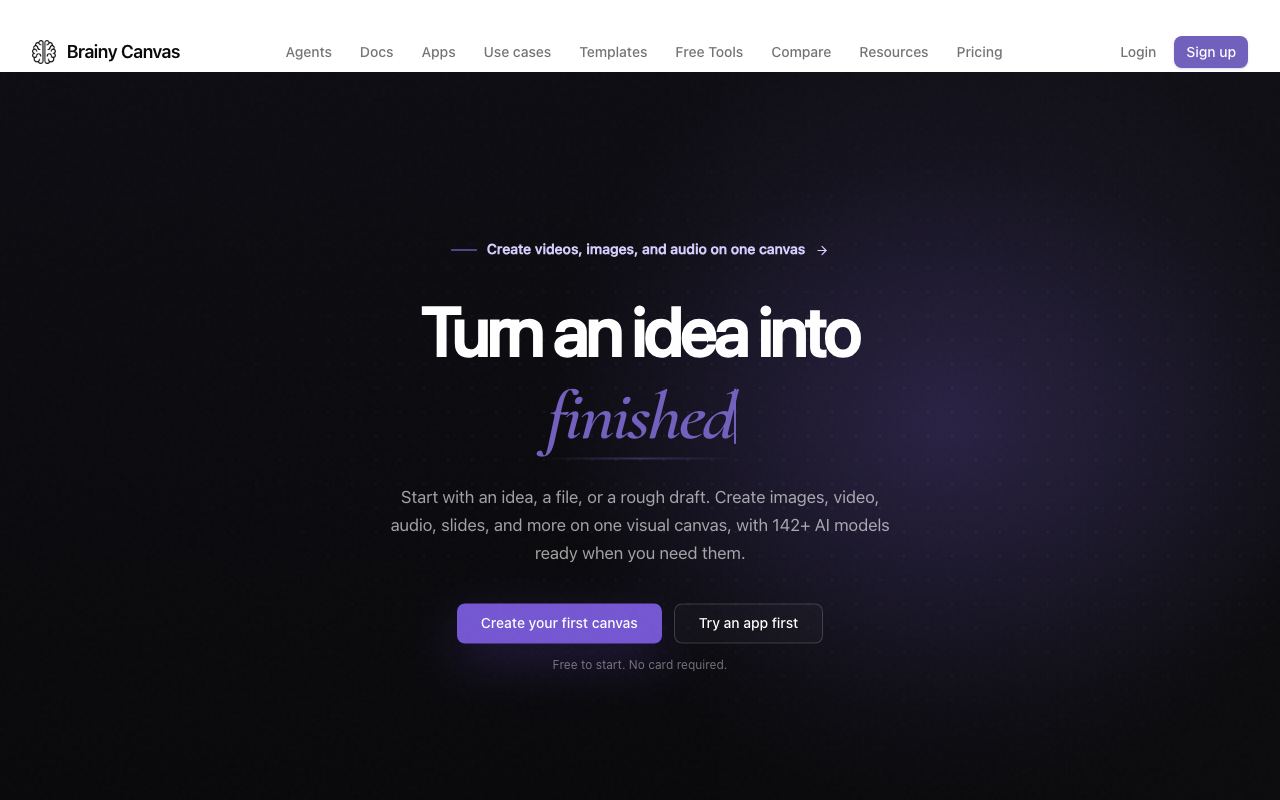
Brainy Canvas is a no-code workflow automation platform designed to orchestrate tasks across multiple AI models and APIs. Rather than committing to a single LLM backend, it allows users to combine models from different vendors—Claude for reasoning, GPT for coding, Stable Diffusion for images—within a single visual workflow. The platform provides a drag-and-drop interface for chaining operations: users connect model calls, data transformations, conditional branches, and integrations using nodes rather than writing code. The underlying architecture appears to be a workflow execution engine that handles API credential management, request queuing, and result routing across multiple providers. Users bring their own API keys for each model they want to use, meaning cost and quota management remain distributed across multiple vendors. This design favours organisations already comfortable managing multi-vendor AI stacks and contrasts with fully managed platforms like Gamma or Lovable, which bundle a single model or curated set. Brainy Canvas sits between visual no-code tools (Zapier, Make) and code-first frameworks (LangChain, LlamaIndex), targeting users who need visual simplicity but multi-model flexibility. Pricing was not publicly documented at the time of review, though the freemium model includes some free tier access with likely restrictions on workflow runs or available integrations. Paid tiers presumably unlock more execution minutes, additional models, and advanced logging. The tool's strength is in internal process automation and prototyping; it is not designed for customer-facing applications where uptime SLAs and support contracts are non-negotiable. Key limitations include orchestration latency (visual builders add overhead versus direct API calls), lack of built-in monitoring or alerting for production workflows, and dependency on users maintaining credentials for multiple AI services. It also does not provide a managed inference endpoint, so users cannot avoid the cost and complexity of managing multiple subscriptions.
Pros
- Supports multiple LLM backends (OpenAI, Anthropic, Meta, etc.) in a single workflow
- Visual workflow builder reduces barrier to entry versus pure code
- Reusable workflow templates and modular blocks speed up common tasks
Cons
- Fragmentation across multiple model APIs means users manage multiple credentials and quota limits
- No clear pricing model published; may require per-API usage fees on top of subscription
- Workflow execution speed depends on orchestration overhead and external API latency
Who it is for
- Best for: Teams building internal process automation who want to mix models without engineering overhead..
- Avoid if: You need a single, fully managed model or require production SLAs and vendor guarantees..
Who this is for
Business analysts and operations managers building data processing pipelines that combine multiple AI steps. Marketing teams automating content generation workflows that need both reasoning (Claude) and image generation (DALL-E). Product managers prototyping multi-step automations before handing to engineering. Non-technical founders validating AI-powered business ideas. Teams already using multiple AI APIs and tired of gluing them together with Python scripts.
Who should skip this
Enterprises requiring single-vendor support, audit trails, and compliance certifications. Users building customer-facing products who need production stability and SLA guarantees. Teams comfortable with code-based workflow tools (Zapier, Make, n8n) and do not need visual builders. Organisations that have standardised on one model family (e.g., all-Claude or all-OpenAI) and do not benefit from model mixing.
Verdict
Brainy Canvas serves teams that need to mix multiple AI models in internal workflows and want to avoid coding. Its visual interface lowers the entry barrier, but the fragmented API management and undisclosed pricing mean it is best suited to early-stage experimentation rather than production-critical automation. Compare against Make or n8n if you are comfortable with visual programming; reserve for lighter workloads unless SLA guarantees are added.
User reviews
Real reader reviews — separate from WireTensors' own editorial rating above. Every submission is moderated before it appears here.
Loading reviews…
Write a review
Brainy Canvas FAQ
What is Brainy Canvas? +
Brainy Canvas is a no-code workflow automation platform designed to orchestrate tasks across multiple AI models and APIs. Rather than committing to a single LLM backend, it allows users to combine models from different vendors—Claude for reasoning, GPT for coding, Stable Diffusion for images—within a single visual workflow. The platform provides a drag-and-drop interface for chaining operations: users connect model calls, data transformations, conditional branches, and integrations using nodes rather than writing code. The underlying architecture appears to be a workflow execution engine that handles API credential management, request queuing, and result routing across multiple providers. Users bring their own API keys for each model they want to use, meaning cost and quota management remain distributed across multiple vendors. This design favours organisations already comfortable managing multi-vendor AI stacks and contrasts with fully managed platforms like Gamma or Lovable, which bundle a single model or curated set. Brainy Canvas sits between visual no-code tools (Zapier, Make) and code-first frameworks (LangChain, LlamaIndex), targeting users who need visual simplicity but multi-model flexibility. Pricing was not publicly documented at the time of review, though the freemium model includes some free tier access with likely restrictions on workflow runs or available integrations. Paid tiers presumably unlock more execution minutes, additional models, and advanced logging. The tool's strength is in internal process automation and prototyping; it is not designed for customer-facing applications where uptime SLAs and support contracts are non-negotiable. Key limitations include orchestration latency (visual builders add overhead versus direct API calls), lack of built-in monitoring or alerting for production workflows, and dependency on users maintaining credentials for multiple AI services. It also does not provide a managed inference endpoint, so users cannot avoid the cost and complexity of managing multiple subscriptions.
How much does Brainy Canvas cost? +
Brainy Canvas pricing: Pricing not publicly listed at time of review. Always confirm current pricing on the official site, as plans change.
Does Brainy Canvas have a free tier? +
No. Brainy Canvas does not offer an ongoing free plan, though a trial may be available.
What is Brainy Canvas best for? +
Teams building internal process automation who want to mix models without engineering overhead..
When should you avoid Brainy Canvas? +
Avoid Brainy Canvas if: You need a single, fully managed model or require production SLAs and vendor guarantees..
What are the main pros of Brainy Canvas? +
Supports multiple LLM backends (OpenAI, Anthropic, Meta, etc.) in a single workflow; Visual workflow builder reduces barrier to entry versus pure code; Reusable workflow templates and modular blocks speed up common tasks.
What are the main cons of Brainy Canvas? +
Fragmentation across multiple model APIs means users manage multiple credentials and quota limits; No clear pricing model published; may require per-API usage fees on top of subscription; Workflow execution speed depends on orchestration overhead and external API latency.
Does Brainy Canvas have an affiliate program? +
No public affiliate program is listed for Brainy Canvas at the time of review.
How is Brainy Canvas rated? +
WireTensors rates Brainy Canvas 3.6 out of 5, based on capability, value, and fit for its intended use case.
What category does Brainy Canvas fall under? +
Brainy Canvas is categorised under productivity on WireTensors.
When was this Brainy Canvas review last verified? +
This review was last verified on 2026-08-03 against the vendor's official site.
Reviewed by Arjun Mehta
Editorial lead overseeing WireTensors' research, sourcing and verification process
Last verified:
Sources
- Brainy Canvas — official website — verified